 Go up
Go up


Behind the Scenes: Setting up the SimplyAnalytics Booth
Posted on Oct 24, 2019 by Admin
Hi everybody! This week we wanted to bring you something unique, so we’re taking you behind the scenes to show you what goes in to setting up the SimplyAnalytics conference booth you’ve come to know and enjoy for the past few years. Let’s get into it now!
First, we need to ensure that our booth arrived intact during shipping - did you know that altogether, our booth weighs over 450 pounds?! The two pictures below represent our typical initial inspection to make sure everything arrived ok.
The assembly process requires about 3 hours, ideally with 2 people.
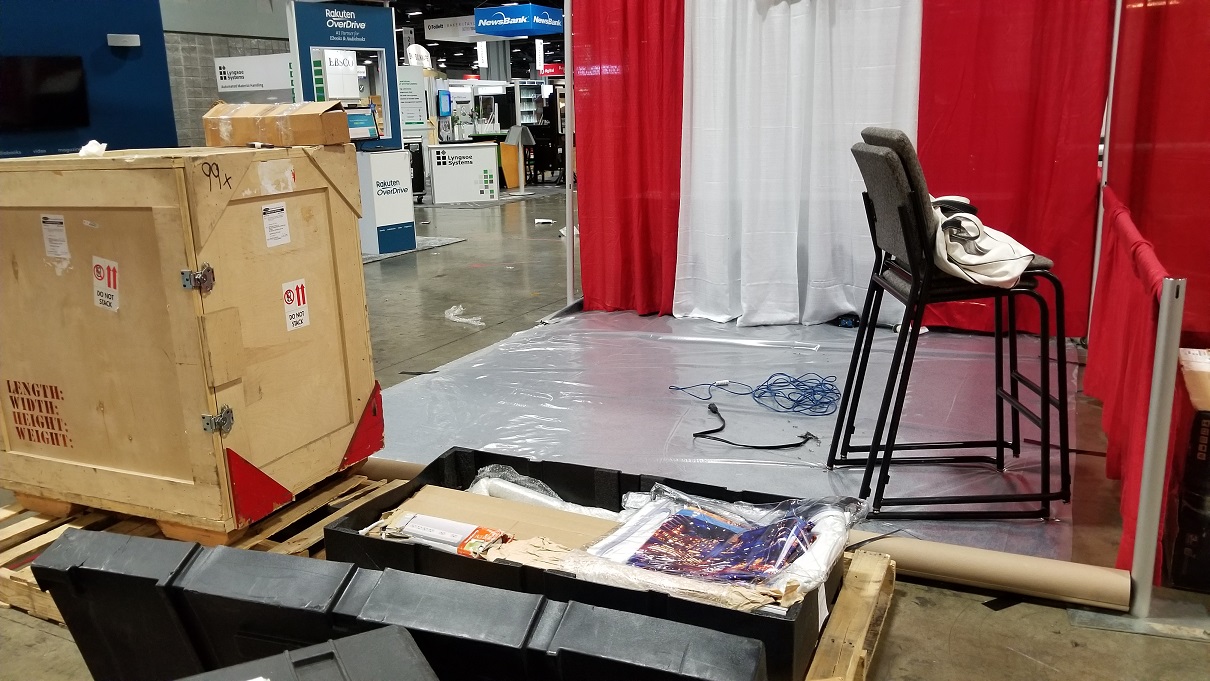
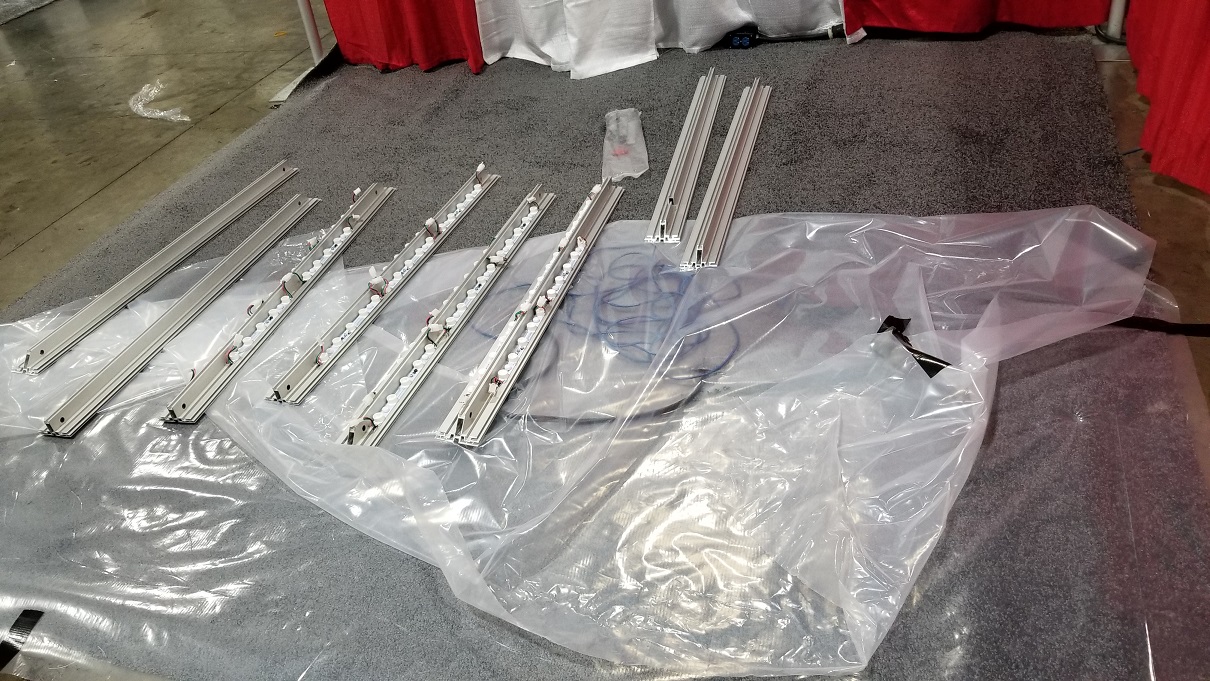
Time to put the frame together! Don’t be fooled by its simple look - this frame not only contains over 20 LED strips that need to be carefully attached (both at the top and bottom ensuring the male/female connectors line up to where our power is located), but connecting the pieces of frame together requires a delicate touch coupled with the right set of fasteners and tools.
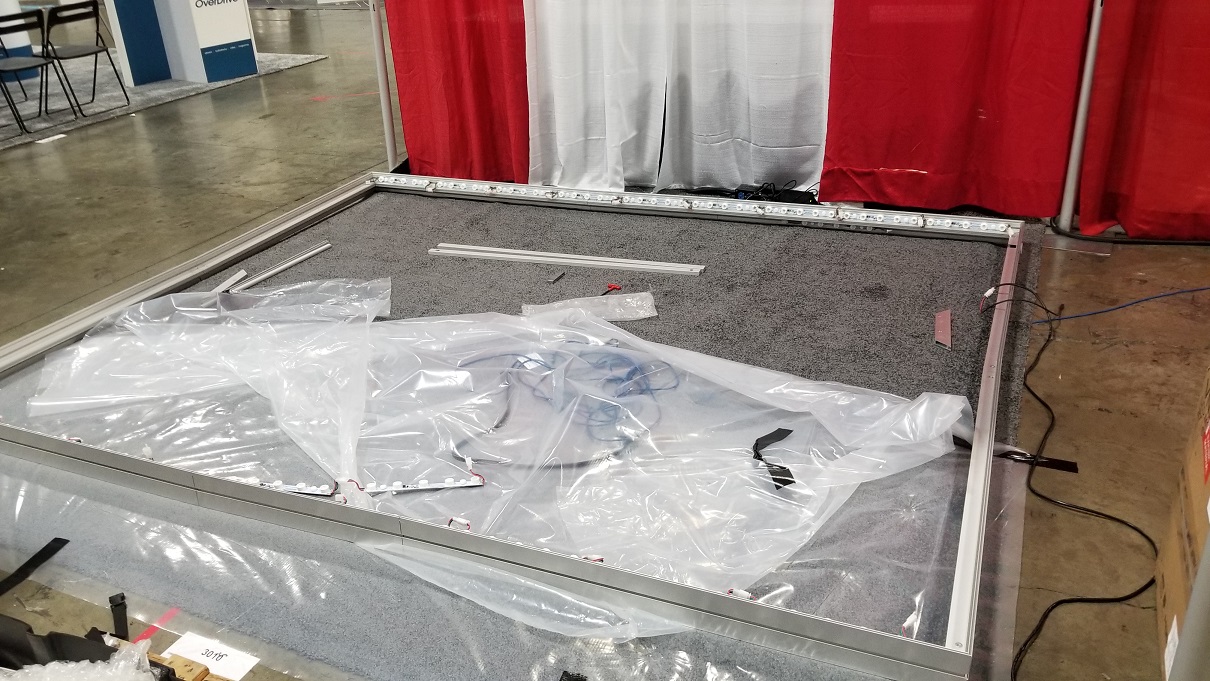
It’s a game of patience and meticulousness and definitely the most time consuming step in setting up our booth. With the frame together, it’s time to put the front and back graphics on.
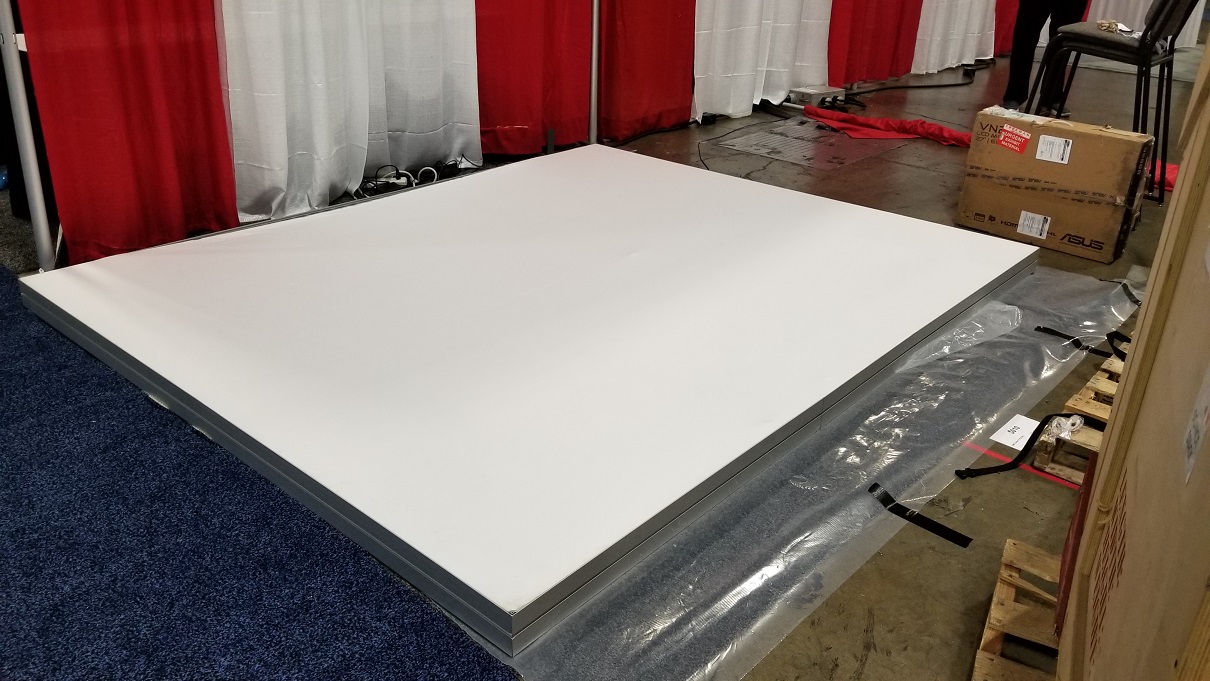
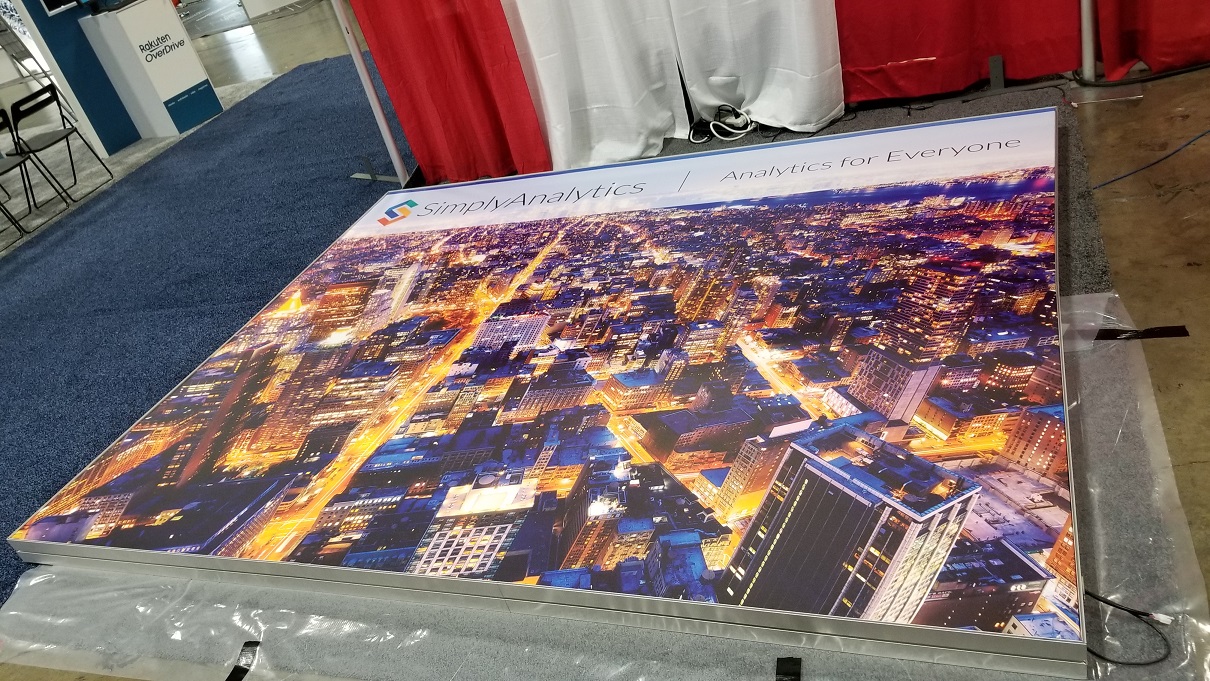
The graphics themselves are large enough to comfortably attach around the frame, however, in order for the booth to look as nice as possible, we have to double over the fabric in a way that stretches the graphics out taut so no wrinkles or creases are visible.
Trust us, it’s harder than it looks! Think of trying to put on a really large fitted sheet, except this requires extra muscle and restraint.
With the tricky parts out of the way, we can proceed to the easier stuff:
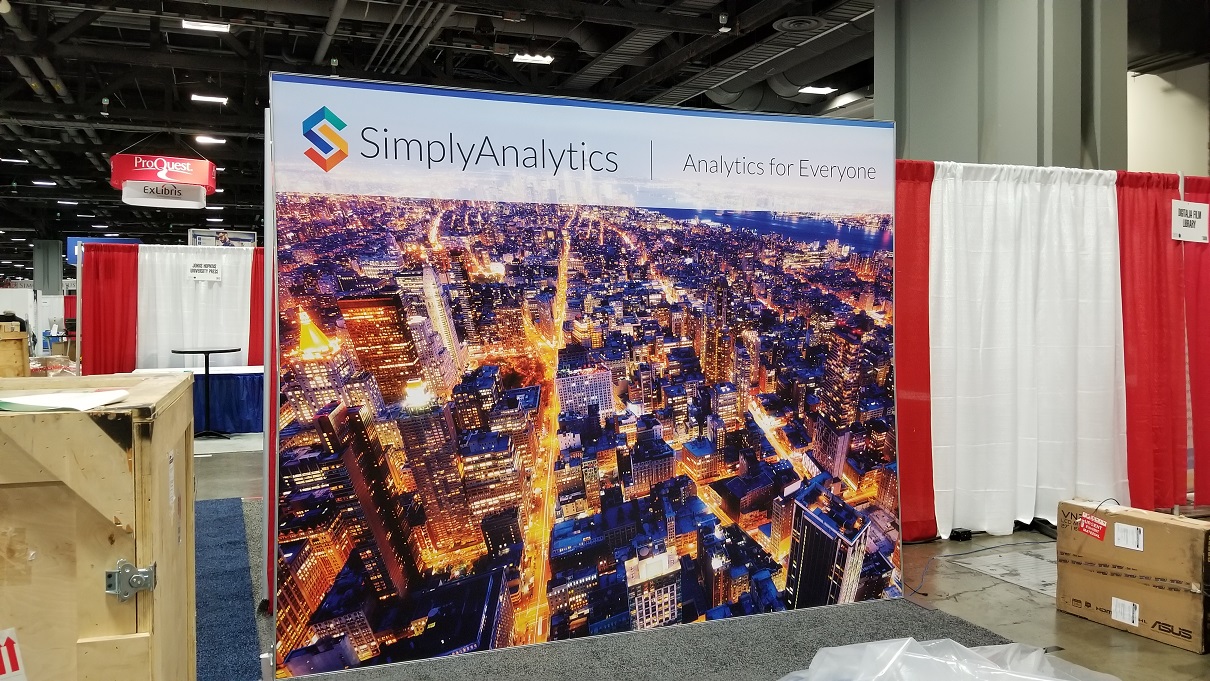
After carefully attaching the legs while still on the floor - it’s time to stand the booth up.
This step is simple, although it often requires that we readjust the leg length on one or both sides to accommodate any differences in the carpet height.
Next, we carefully remove our custom made island stand, and snake through the internet and power cables. The monitor then gets attached, and we are in the home stretch! The brochure stand and chairs can now make an appearance.
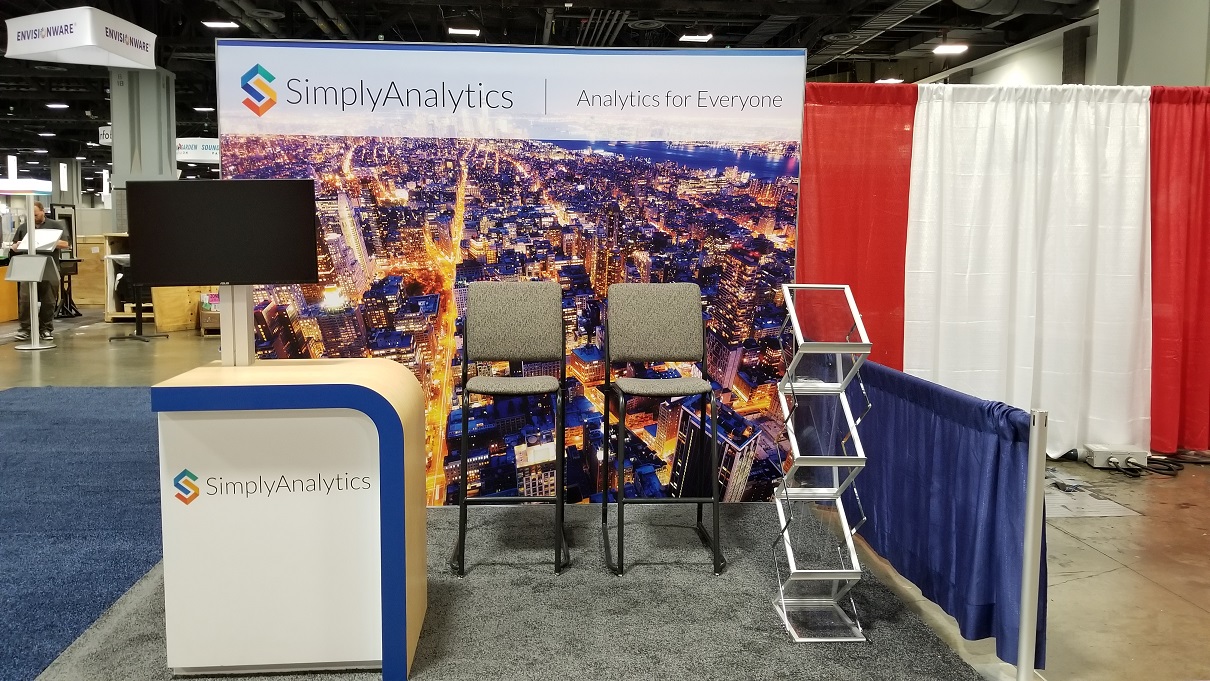
And voila! We bring out our business cards, brochures, Ghirardelli chocolates, laptop and turn everything on to ensure the booth is ready to go for the show.
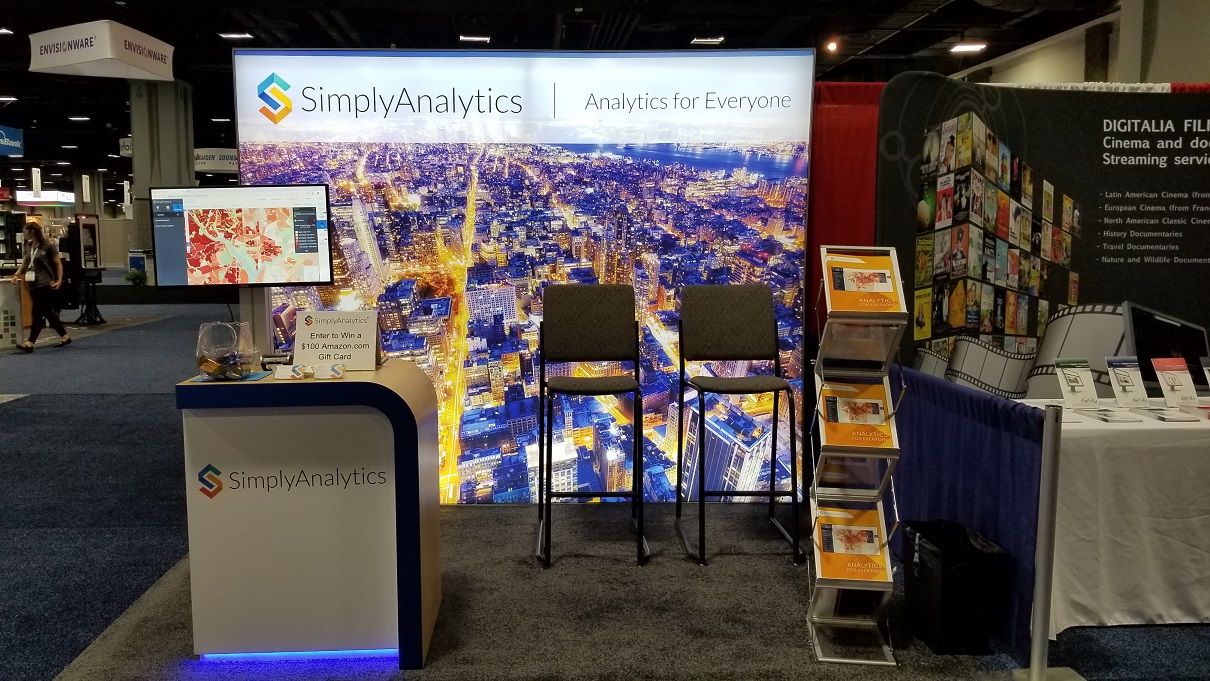
The very last step is typically a high five and “good job!” between colleagues for a job well done.
Did you enjoy this behind the scenes look? Let us know below!
More from SimplyAnalytics


Posted on May 18, 2015 by Admin
The SimplyMap team is looking forward to visiting with customers and others at the SLA Annual Conference, coming to Boston on June 14-16. Come visit us at Booth #916, we are happy to answ...
Posted on Feb 13, 2015 by Admin
In this week’s report exploring SimplyMap data, we want to find out where America’s remote workers reside. To find this, we can tap into the Census data in SimplyMap. The specific variabl...
Posted on Apr 18, 2008 by Admin
A team of librarians at Drexel University has developed a detailed poster to introduce SimplyMap as a new research tool for the student body. The poster was launched on Drexel Research Da...
Posted on Jun 08, 2023 by Admin
We are excited to announce Mansi Nishit Trivedi as the winner of the 2023 BRASS Student Travel Award sponsored by SimplyAnalytics! Mansi, a Master of Information student at Dalhousie, has...
Posted on Feb 20, 2018 by Admin
We are looking forward to attending the annual SCELC (Statewide California Electronic Library Consortium) Vendor day, at Loyola Marymount University in Los Angeles on March 8th. In additi...
Posted on May 17, 2016 by Admin
This week’s SimplyMap report is a quick reader challenge. Can you guess what the map of the United States below is depicting? Keep in mind the legend colors - lighter is less, and darker ...
Posted on May 25, 2010 by Admin
We will be exhibiting at the 2010 SLA Annual Conference & INFO-EXPO June 13-15 at the Ernest N. Morial Convention Center in New Orleans, LA. Join us at booth 1537 - bring your quest...
Posted on Apr 28, 2016 by Admin
In this week’s SimplyMap report we’ll take a look at one of our newer data packages offered, P$YCLE® by Nielsen. P$YCLE® is a segmentation system that evaluates consumers using key demogr...
Posted on May 19, 2015 by Admin
We will be attending ALA this summer in San Francisco (hint: dress warm!). Visit us at Booth 413 and don't forget to enter our raffle - we will be giving away a $100 gift certificate to A...
Posted on Sep 15, 2016 by Admin
While creating a radius location is the fastest and easiest method for creating a custom location, there may be situations that require a more specific and targeted locale. Let’s say for ...